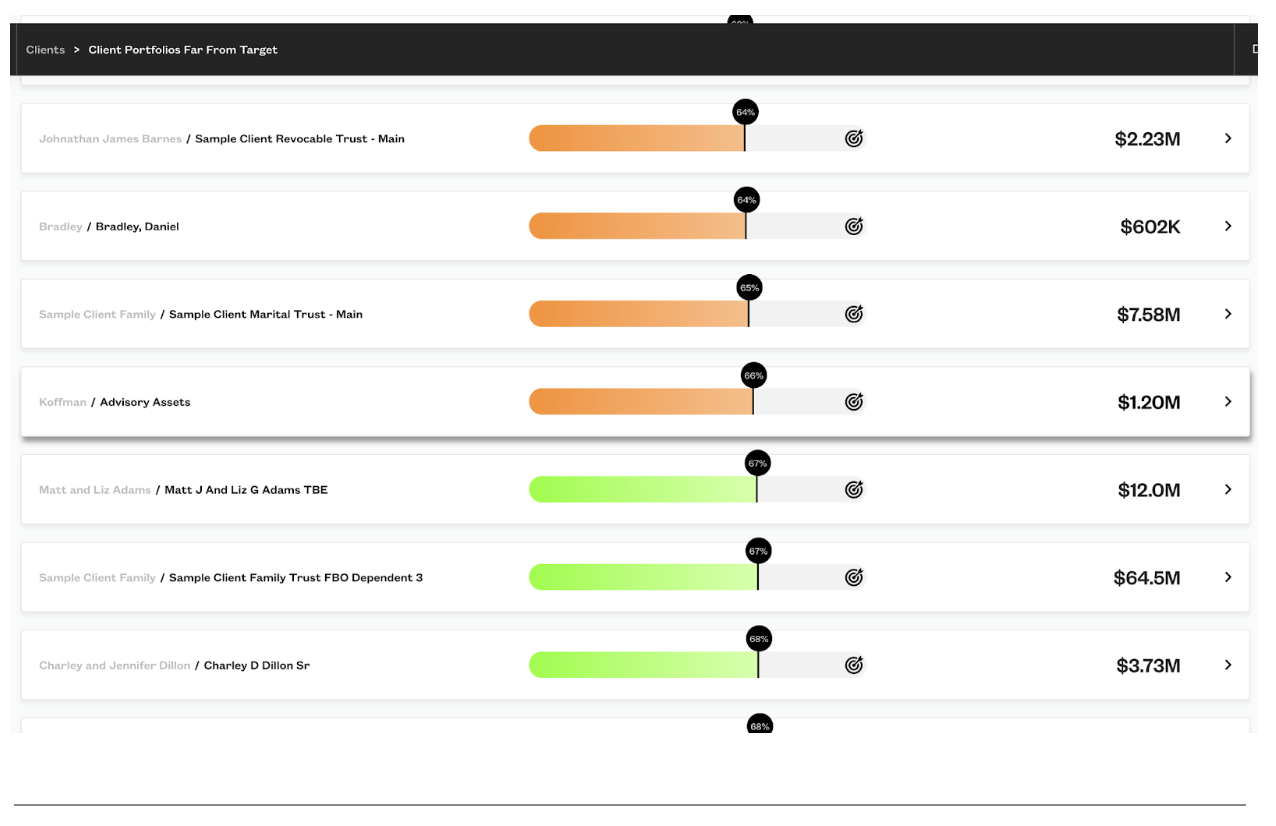

Fabric offers a robust and effective solution for wealth managers to set targets for their clients' portfolios, providing a range of benefits to enhance their investment strategies. By utilizing Fabric's powerful tools and features, wealth managers can customize targets to meet each portfolio's unique needs and monitor clients' progress towards meeting their goals.
Benefits of setting targets in Fabric:
Customize targets: Fabric allows you to create customizable targets that are designed to meet each client's specific needs and objectives, thereby enhancing the likelihood of achieving their financial goals. This level of customization can also help to increase client satisfaction and loyalty, as clients are more likely to remain with a wealth manager who provides a tailored investment strategy that aligns with their individual needs.
Powerful analysis: With Fabric, wealth managers can compare their clients' current portfolios to their target portfolios through factor risk exposure, return, maximum drawdown, and IPS bounds. This allows them to gain a deeper understanding of where the risks and returns in their clients' portfolios differ from their targets, enabling them to make more informed investment decisions.
Monitoring: Fabric's monitoring capabilities enable wealth managers to keep a close eye on their clients' portfolios and ensure that they stay on track towards meeting their goals. By regularly monitoring their clients' portfolios, wealth managers can identify any deviations from the target and take appropriate action to rebalance the portfolio and keep it aligned with the target.
Overall, creating customized targets in Fabric will help your clients to stay on track to meet their goals. The following steps show you how to create targets in Fabric.
Feature Video
Setting Targets
- Navigate to the clients tab of the home page
In the Fabric application, this page allows you to monitor clients according to IPS bounds, clients from their target and accounts with no target set.
Click 'Accounts With No Target set'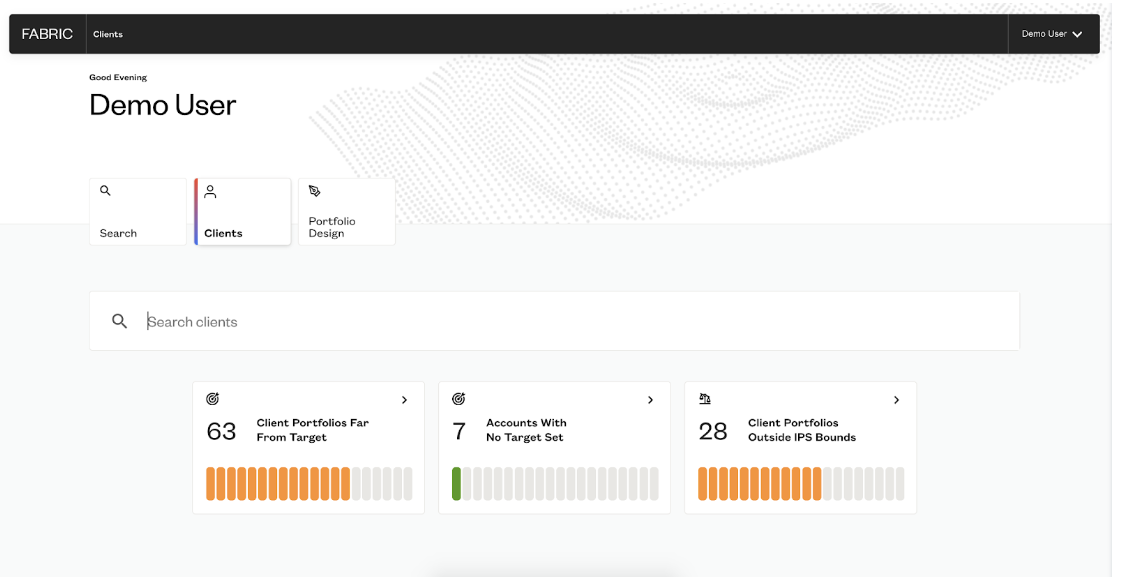
Choose the clients whose target you want to set by clicking on their account.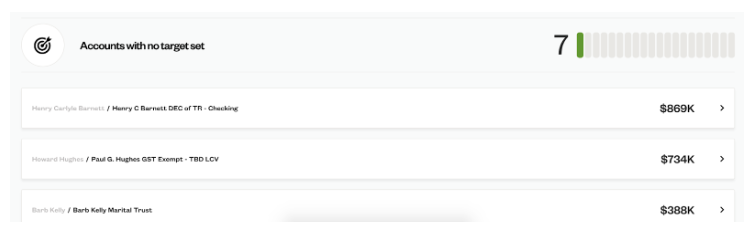
- Create Target
Click the add button then create a target..png?width=2072&height=999&name=Add%20Targets%20(1).png)
- Creating a target will open add a column on the asset allocation table where you can add assets or models to create a unique target for your client.
Add models and assets as a client's target and adjust to your desired weighting.

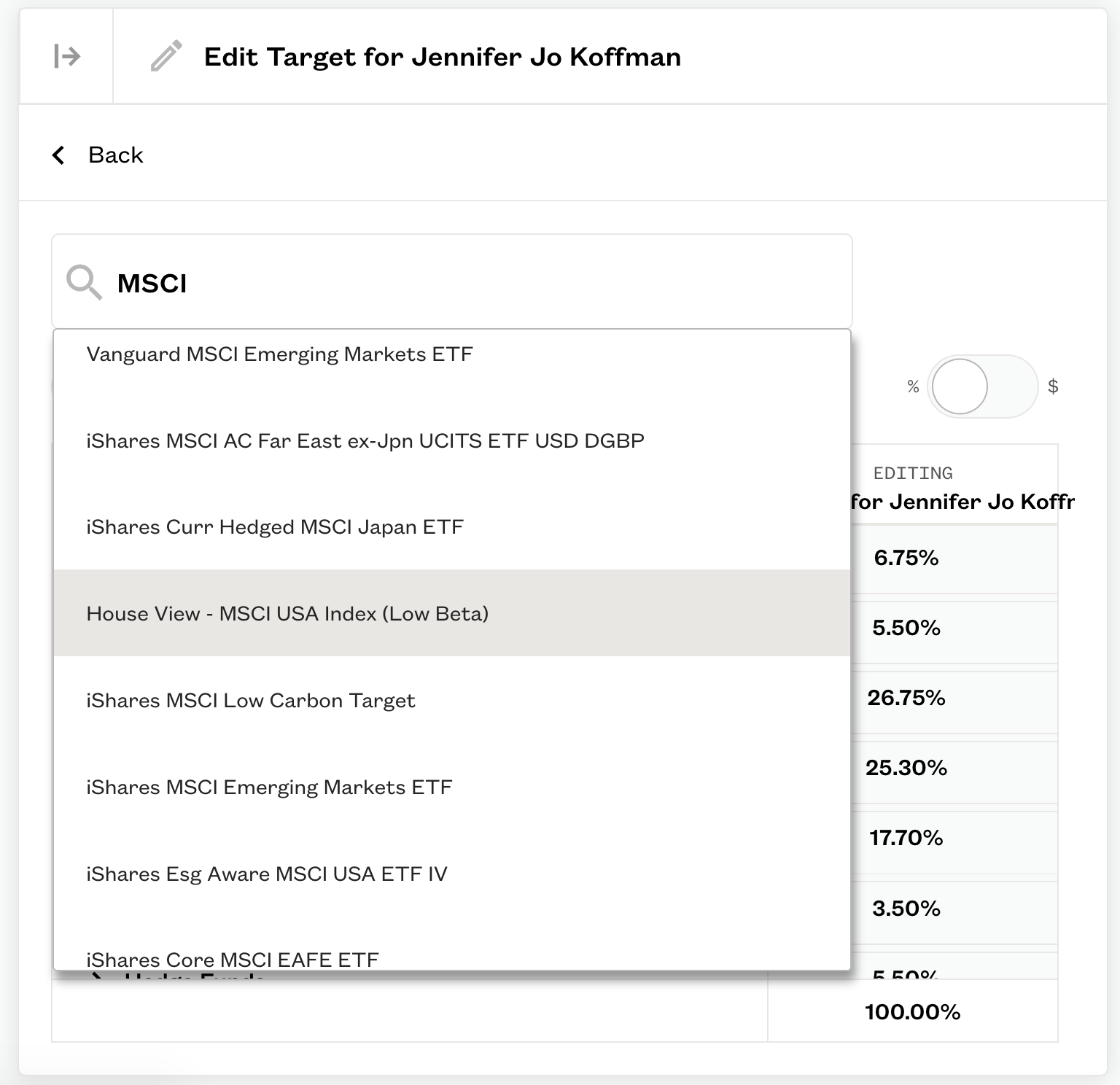
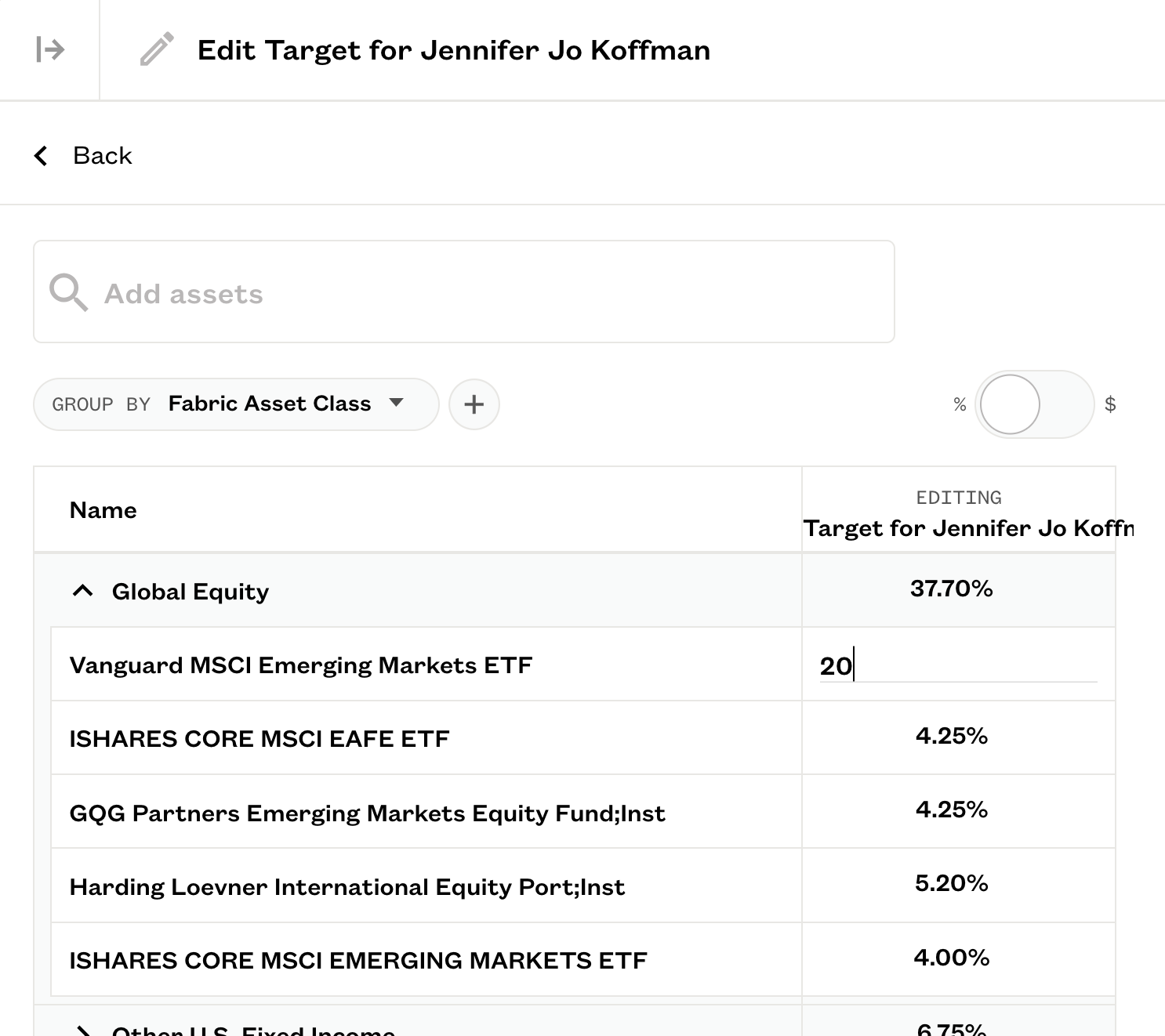
- As you adjust the weightings the portfolio statistics will update. The target and updates will save automatically.
- Monitor the distance from the target that you set.